

TG SET Answer Key 2026 Out: Objections Close 15 Oct
TG SET answer key 2026 is out with response sheets and master papers. How to download it, calculate your score and raise objections at ₹200 by 15 October.

The TG SET answer key 2026 (provisional) is out. Osmania University has released the preliminary key, master question papers and every candidate’s recorded responses for the exam held on 28, 29 and 30 September. If you think an answer is wrong, you can challenge it until 15 October 2026 at ₹200 per question.
You can raise objections only once, so do your score calculation first and list every doubtful question before you pay.
| Detail | Information |
|---|---|
| Exam | Telangana State Eligibility Test (TG SET) 2026 |
| Conducted by | Osmania University, Hyderabad |
| Exam dates | 28, 29 and 30 September 2026 (CBT) |
| Answer key released | 12 October 2026 |
| Objection window | 12 October (3:00 PM) to 15 October 2026 |
| Objection fee | ₹200 per question (refunded if your objection is right) |
| Login details | Registration number, hall ticket number, date of birth |
| Total marks | 300 (Paper I 100 + Paper II 200) |
| Result date | Not announced yet |
| Official websites | telanganaset.org, tgset.aptonline.in |
A small date confusion to know about
The official press note (Ltr. No. 733/TG-SET/OU/26) says the challenge window closes at 11:00 PM on 15 October. The notice on the apply portal says 11:50 PM. Don’t test which one the server follows. Treat 11:00 PM as the deadline, and better still, finish by the evening of the 14th, because these portals slow down badly on the last night.
How to download the TG SET answer key 2026
- Open tgset.aptonline.in. You can also reach it from the “Apply Online” link on telanganaset.org.
- Click Download of Response Sheet. Enter your registration number, TG SET hall ticket number and date of birth (dd/mm/yyyy).
- Save your response sheet. It shows the Question ID of every question you got and the option you marked.
- Go back and open Master Question Papers for your subject, exam day and session. Download the master paper with the preliminary key.
- Keep both PDFs side by side. You need both to check your answers.
Why you need the master question paper
This is where most people go wrong. In the CBT, the questions and options were jumbled for every candidate. Question 12 on your screen may be question 47 in someone else’s paper, and option (B) for you may be option (D) for them.
So don’t match by question number. Match by Question ID. Find the Question ID in your response sheet, search for the same ID in the master question paper, and compare your marked option with the key there. The official guidelines say objections must be raised using the options as given in the master paper, not as they appeared on your screen.
How to calculate your TG SET score
| Paper | Questions | Marks each | Total |
|---|---|---|---|
| Paper I (teaching and research aptitude, common for all) | 50 | 2 | 100 |
| Paper II (your subject) | 100 | 2 | 200 |
| Total | 150 | 300 |
Count your correct answers in both papers and multiply by 2. The official scheme doesn’t mention negative marking, so a wrong answer simply earns zero.
Example: 32 correct in Paper I and 58 correct in Paper II gives you (32 + 58) × 2 = 180 out of 300, or 60%.
What score is enough to qualify?
There are two filters, and you must clear both.
Filter 1: minimum aggregate. You must have taken both papers and scored at least:
- 40% (120/300) for General (Unreserved) candidates
- 35% (105/300) for SC, ST, BC, PwD and transgender candidates
Filter 2: the 6% rule. Only 6% of the candidates who appeared in both papers are declared qualified. These slots are split by subject and then by category as per Telangana’s reservation policy (36% unreserved, 10% EWS, 10% ST, BC-A 7%, BC-B 10%, BC-C 1%, BC-D 7%, BC-E 4%, and SC Groups I, II and III at 1%, 9% and 5%). Within each category, 33.3% of slots are for women and 5% are for persons with disability.
So the real cut-off is the score of the last person who fits inside your subject’s slot for your category. In crowded subjects like Commerce or English, it usually sits well above the 40% line. Candidates from outside Telangana are treated as Unreserved, whatever their category at home.
How to raise an objection
- Read the guidelines on the portal and tick that you’ve understood them.
- Open Objections on Preliminary Key and log in.
- Enter the Question ID, the answer you think is correct, and your justification. Attach proof (a textbook page, a standard reference, an official source) as a PDF or JPG.
- Add all your objections in one go. The portal allows objections on any number of questions, but only once. You can’t come back and add more.
- Pay ₹200 per question online and download the objection print. You can check the payment under “Key Objections Fee Payment Status”.
Objections without proper justification are rejected straight away. If yours is accepted, the ₹200 comes back within 7 working days of the result. Nobody is told individually whether their objection was accepted; you’ll only see it in the final key.
Is it worth challenging?
Only when you’re sure and you have proof. ₹200 per question adds up quickly, and “I think it’s B” with no reference is rejected.
Think about where you stand too. If you’re 2 or 3 questions short of what you guess your subject’s cut-off will be, a solid objection could change your result. If you’re 30 marks short, don’t spend ₹1,000 on objections. Spend that time on the next cycle or on UGC NET.
And remember, if an answer is changed, it’s changed for everyone, not only for the person who raised it.
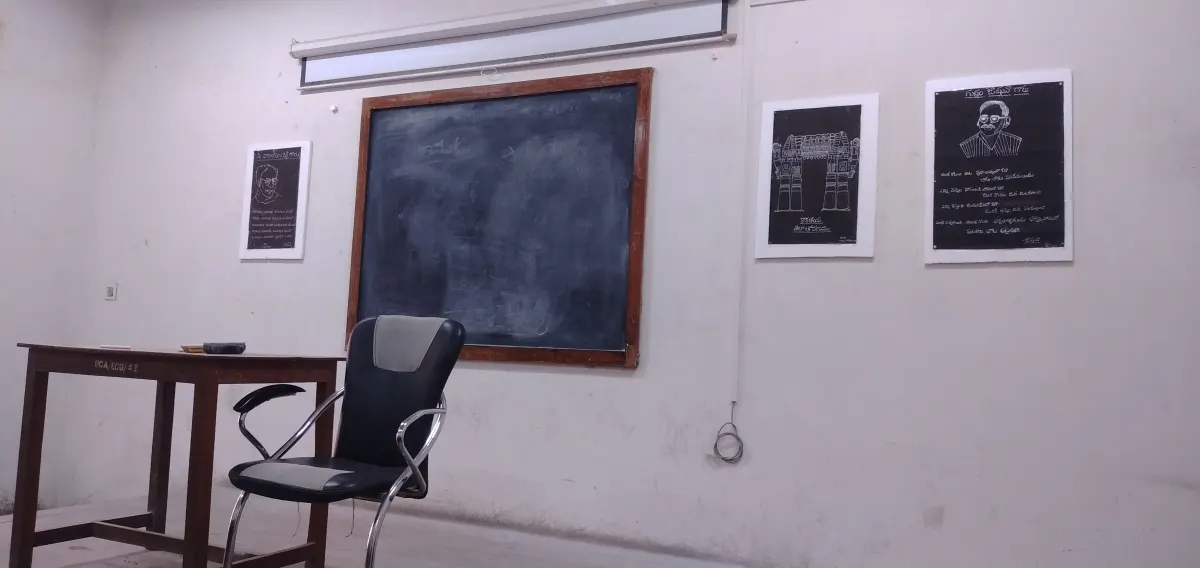 A classroom in the Department of Telugu, Osmania University. TG SET decides who can teach in rooms like this one. Photo: MYADAM ABHILASH / Wikimedia, CC0
What happens next
- Objections close on 15 October.
- A panel of subject experts reviews every challenge and the key is revised where needed.
- The final key is published (look for “Master Question Papers with Final Key” on the portal).
- The result is prepared from the final key. No date has been announced.
- Qualified candidates go through certificate verification, where you show original certificates. TG SET qualification makes you eligible for Assistant Professor and Lecturer posts in Telangana universities and colleges.
For help, the TG SET office is at Osmania University, Hyderabad. Phone: 040-27097733 or 8331040950. Email: tgsetou@gmail.com.
Next step: download your response sheet today, work out your score with the table above, and if you find a genuinely wrong answer, get your objection in before 14 October night.
Frequently asked questions
Where can I download the TG SET 2026 answer key?
On tgset.aptonline.in (the TG SET apply portal) under 'Download of Response Sheet' and 'Master Question Papers', and through telanganaset.org and osmania.ac.in. You need your registration number, hall ticket number and date of birth.
What is the last date to challenge the TG SET 2026 answer key?
15 October 2026. The press note says 11:00 PM and the portal says 11:50 PM, so finish before 11:00 PM to be safe.
What is the fee to raise an objection in TG SET 2026?
₹200 per question, paid online by credit card, debit card or net banking. If your objection is accepted, the fee is refunded within 7 working days of the result.
How many marks do I need to qualify TG SET 2026?
At least 40% aggregate (120 out of 300) for General and 35% (105 out of 300) for reserved categories. That only makes you eligible. Only the top 6% of candidates who appeared, split by subject and category, are declared qualified.
When will the TG SET 2026 result come out?
No date has been announced. The result will be prepared from the final answer key after the experts review all objections.
Related posts
More in Govt Exams »RRB Technician Answer Key 2026 Out, Result and Cut-Off
RRB Technician answer key 2026 is out for Grade I and III. Objections till 22 Oct at ₹50, how to calculate your score, the 7,002 revised posts and result.
SSC CGL Answer Key 2026: Expected Date, Fee, Cut-Off
SSC CGL answer key 2026 for Tier 1 (30 Sep–30 Oct) is likely in early November. Objection fee, how to calculate your score and last year's cut-off.
UGC NET December 2026: Apply by 28 Oct, Exam from 14 Dec
UGC NET December 2026 registration is open till 28 October. Exam 14–18 and 21 Dec. Fee, eligibility, JRF age limit, exam pattern and how to apply.